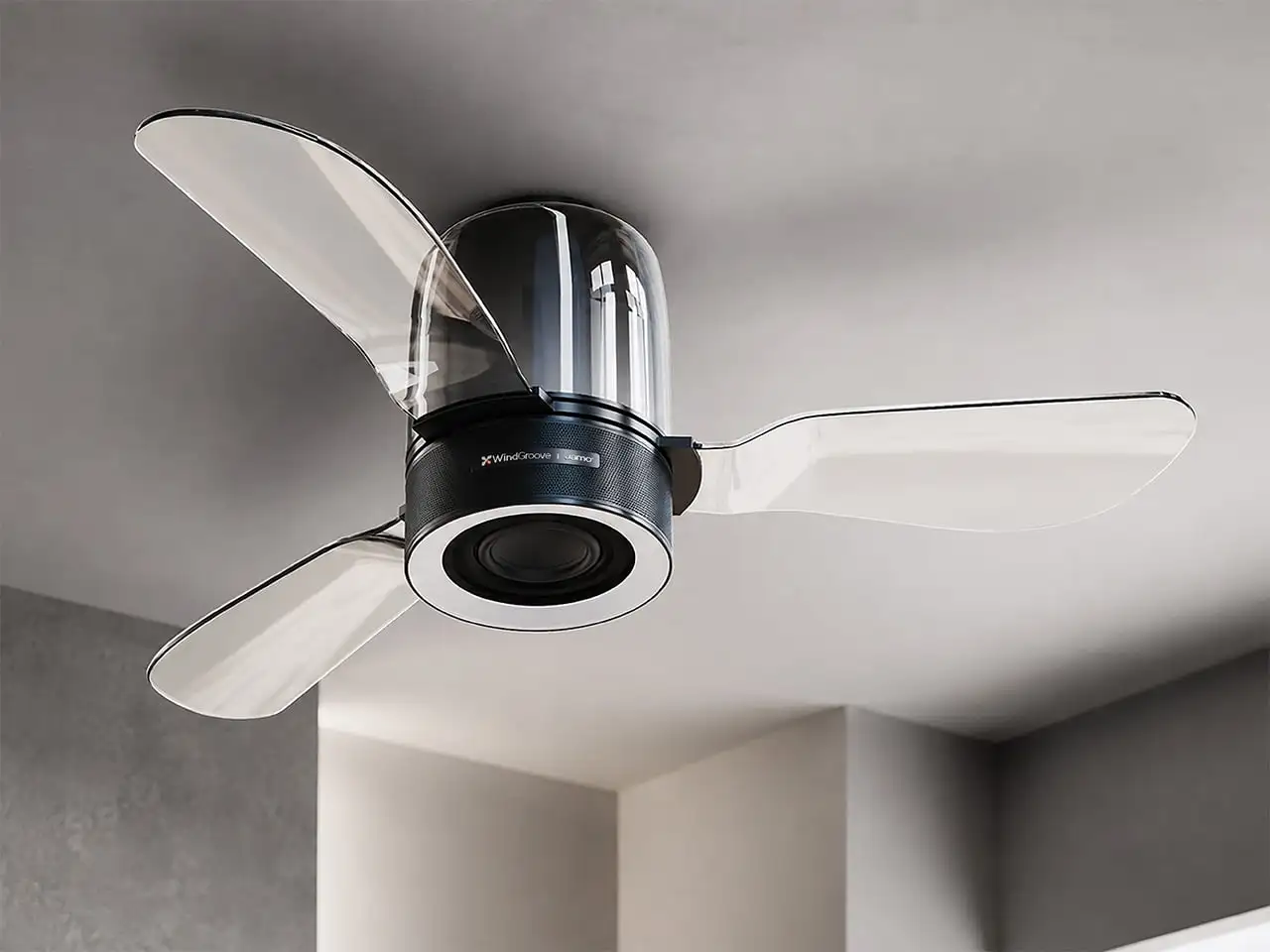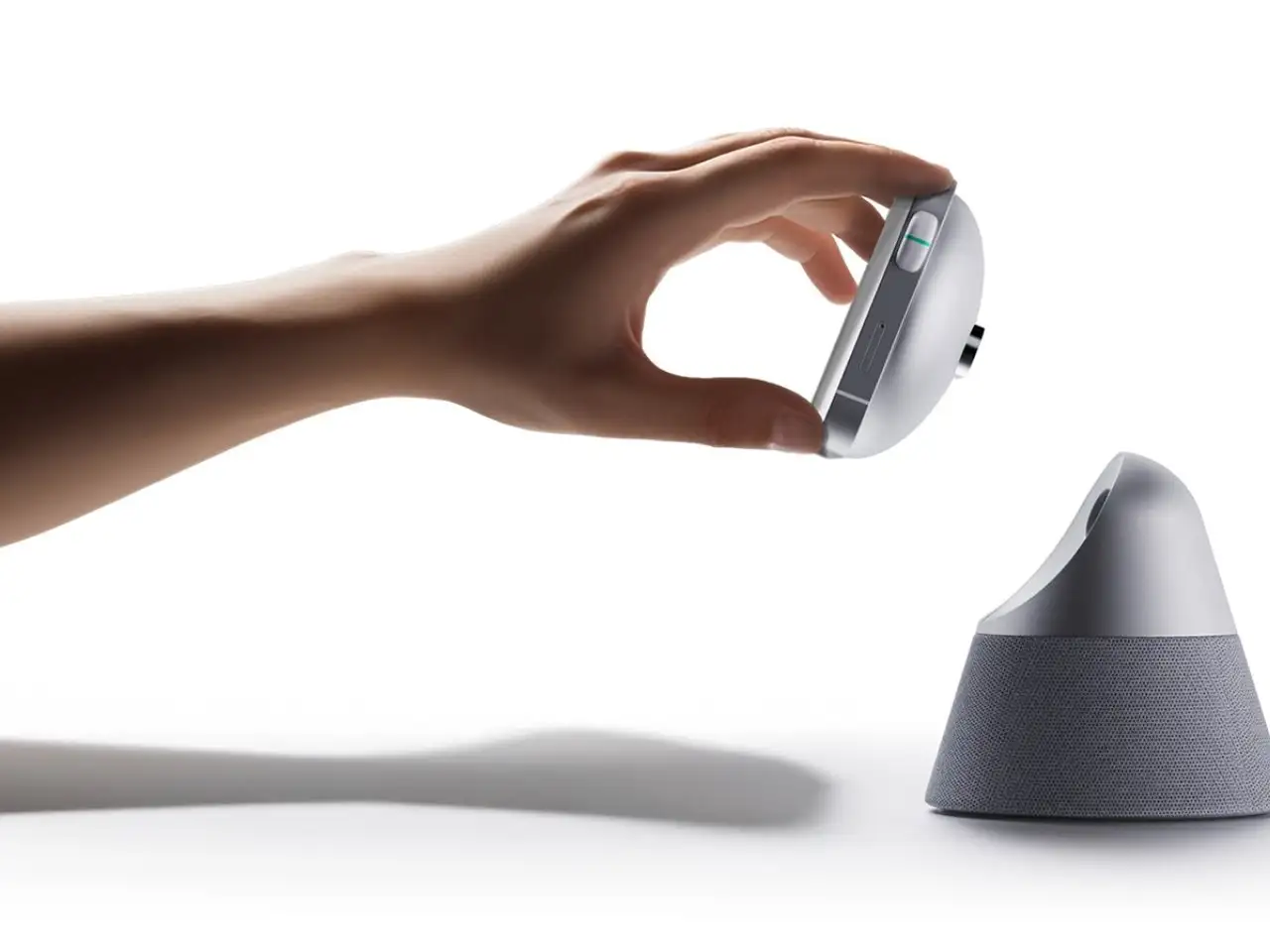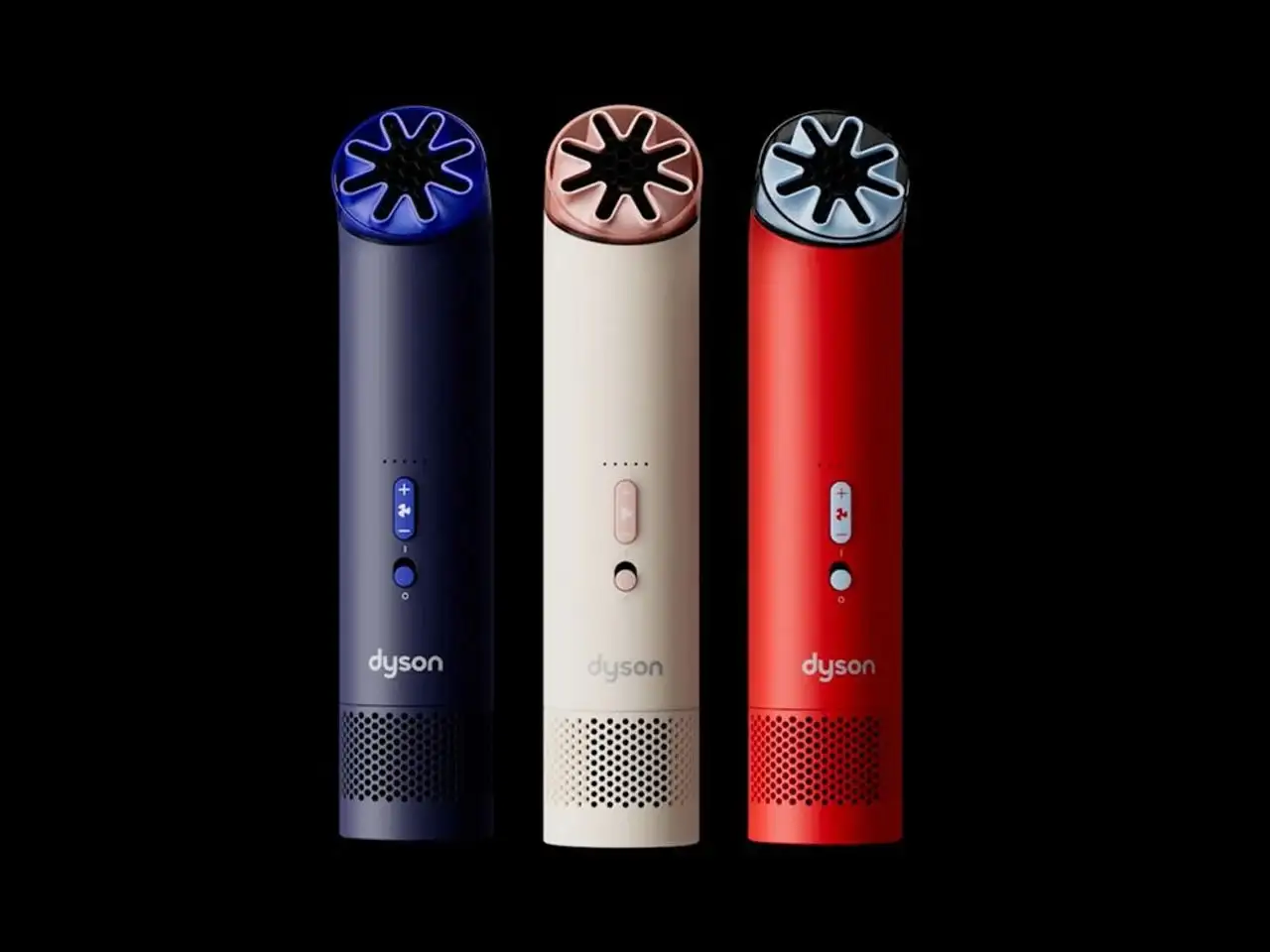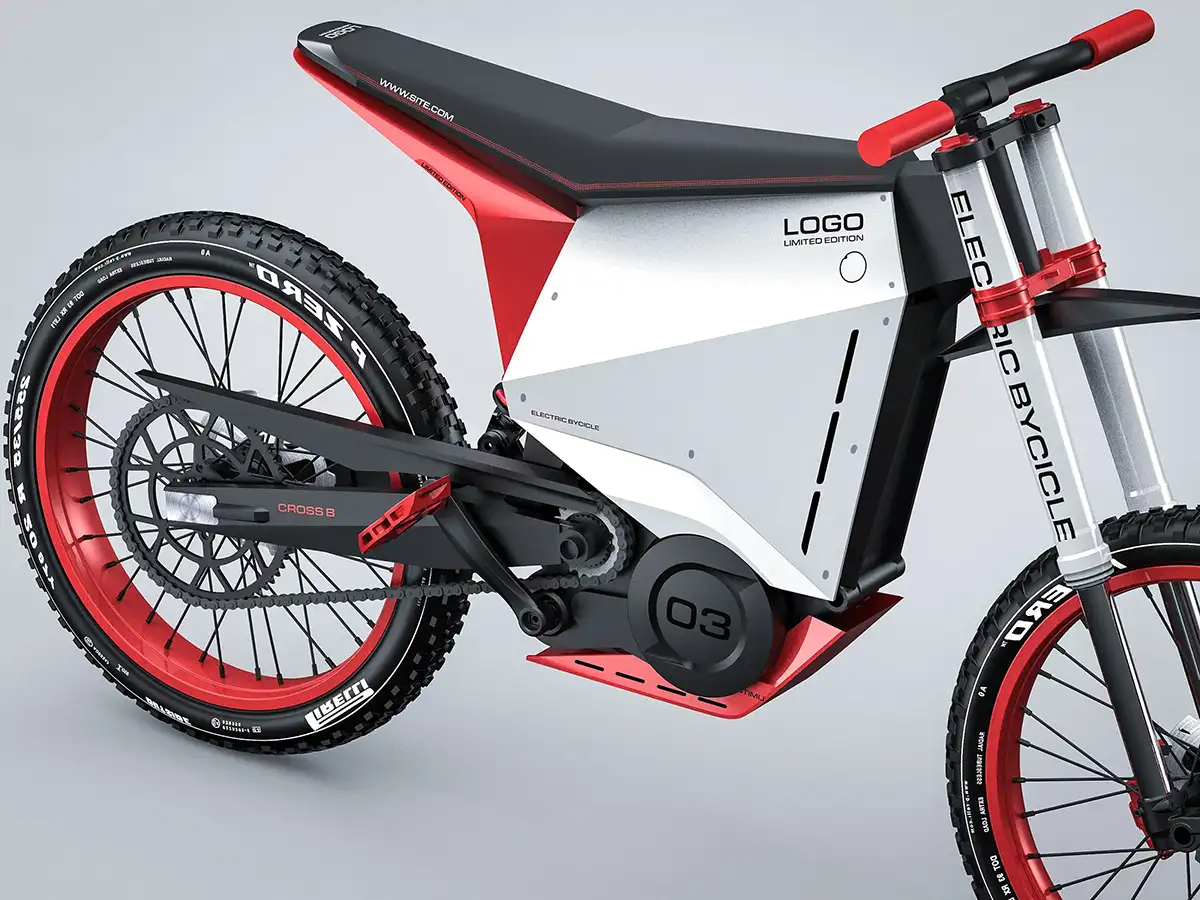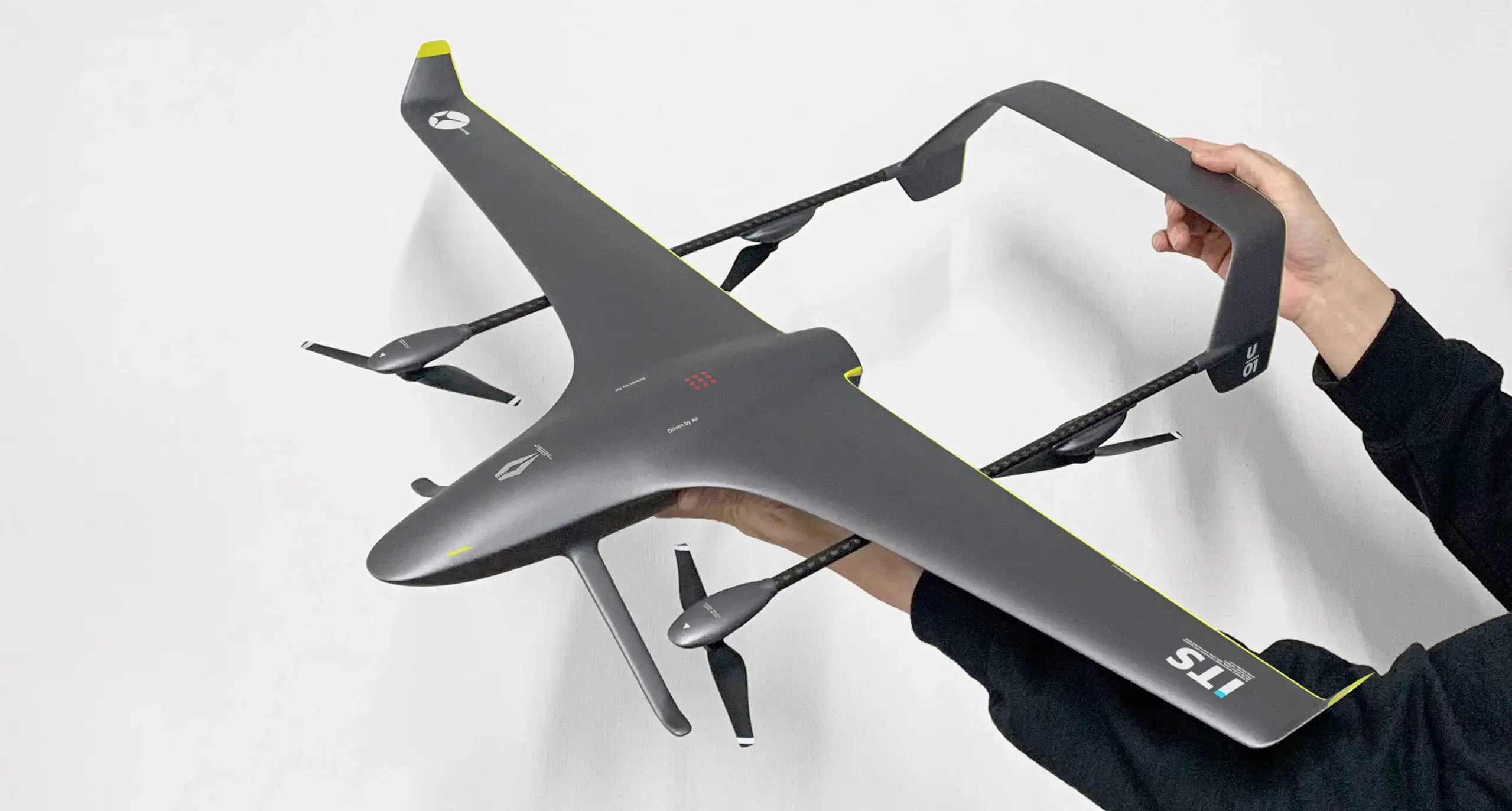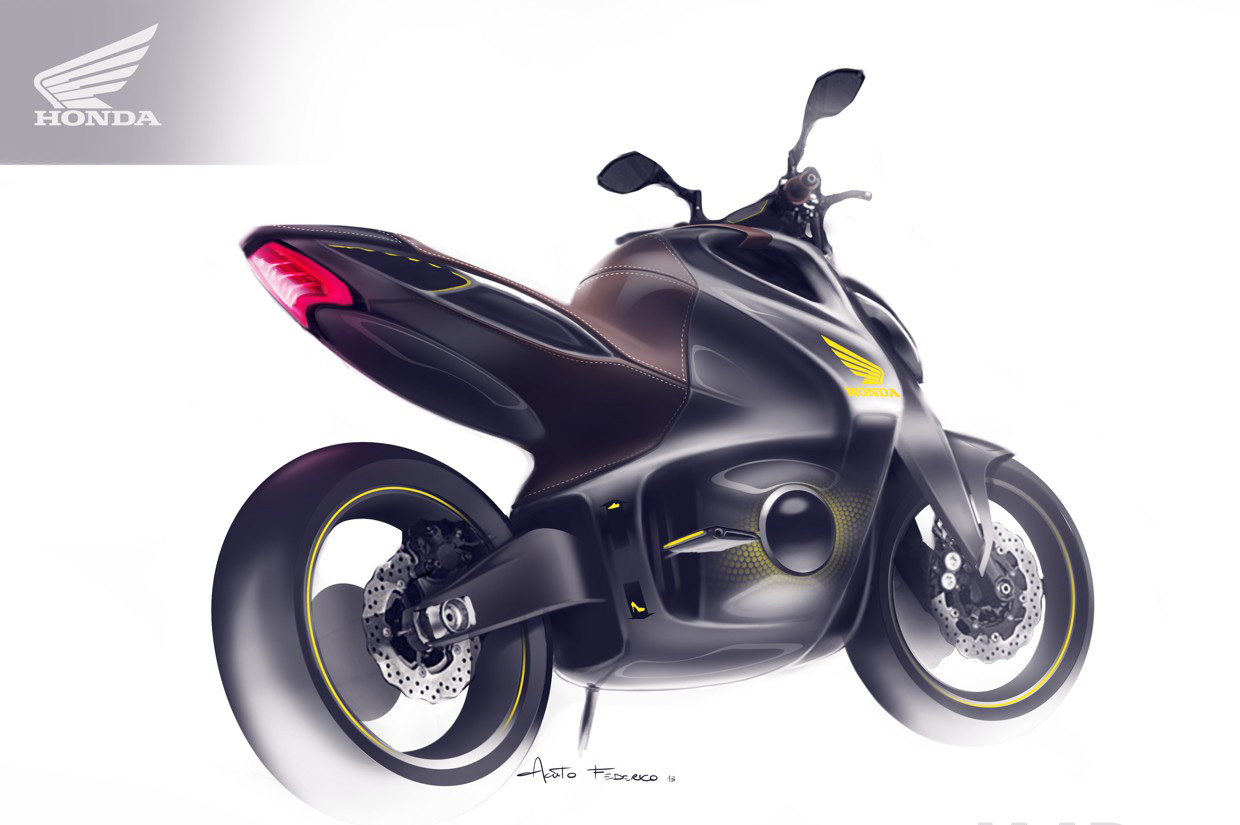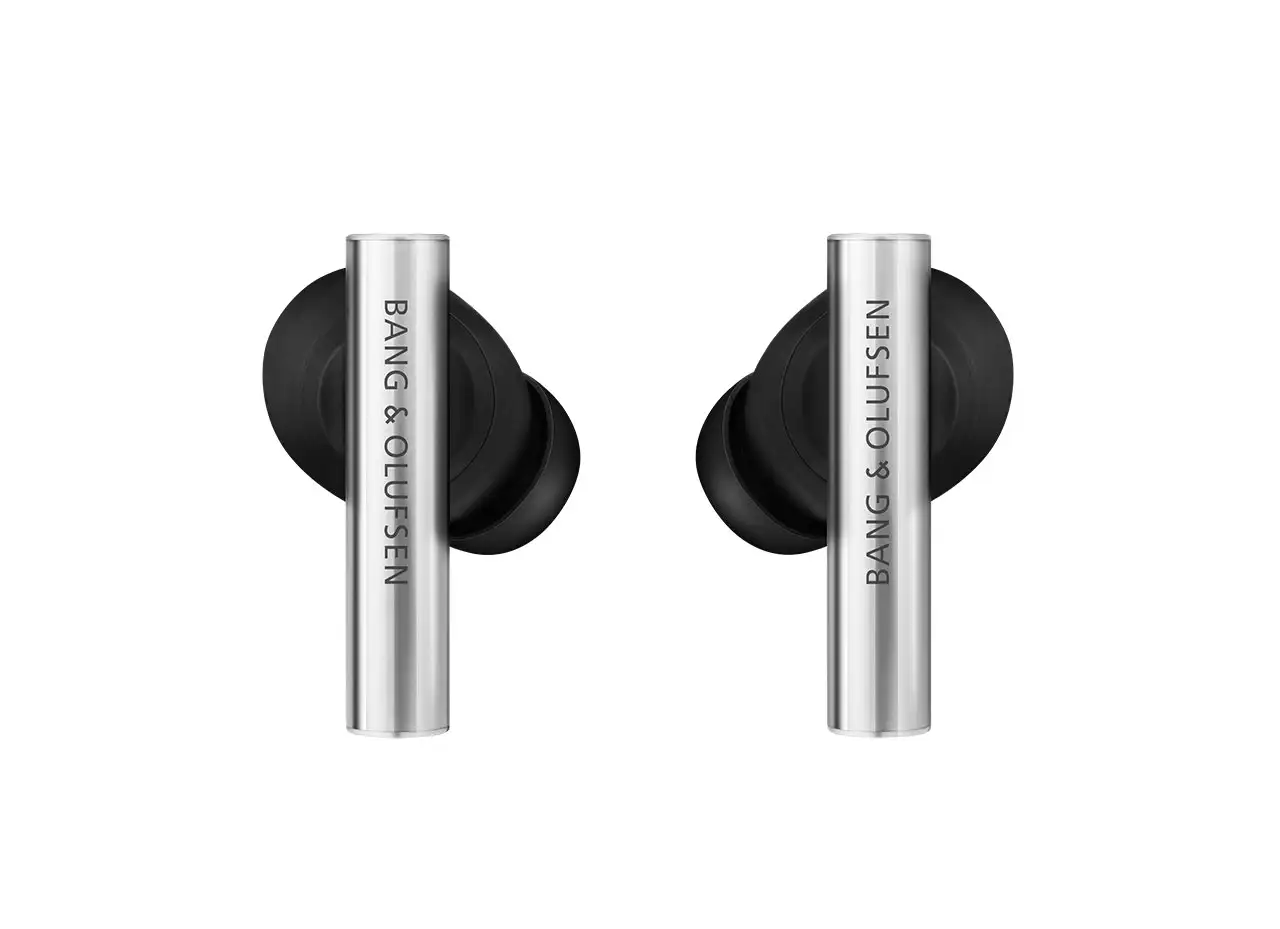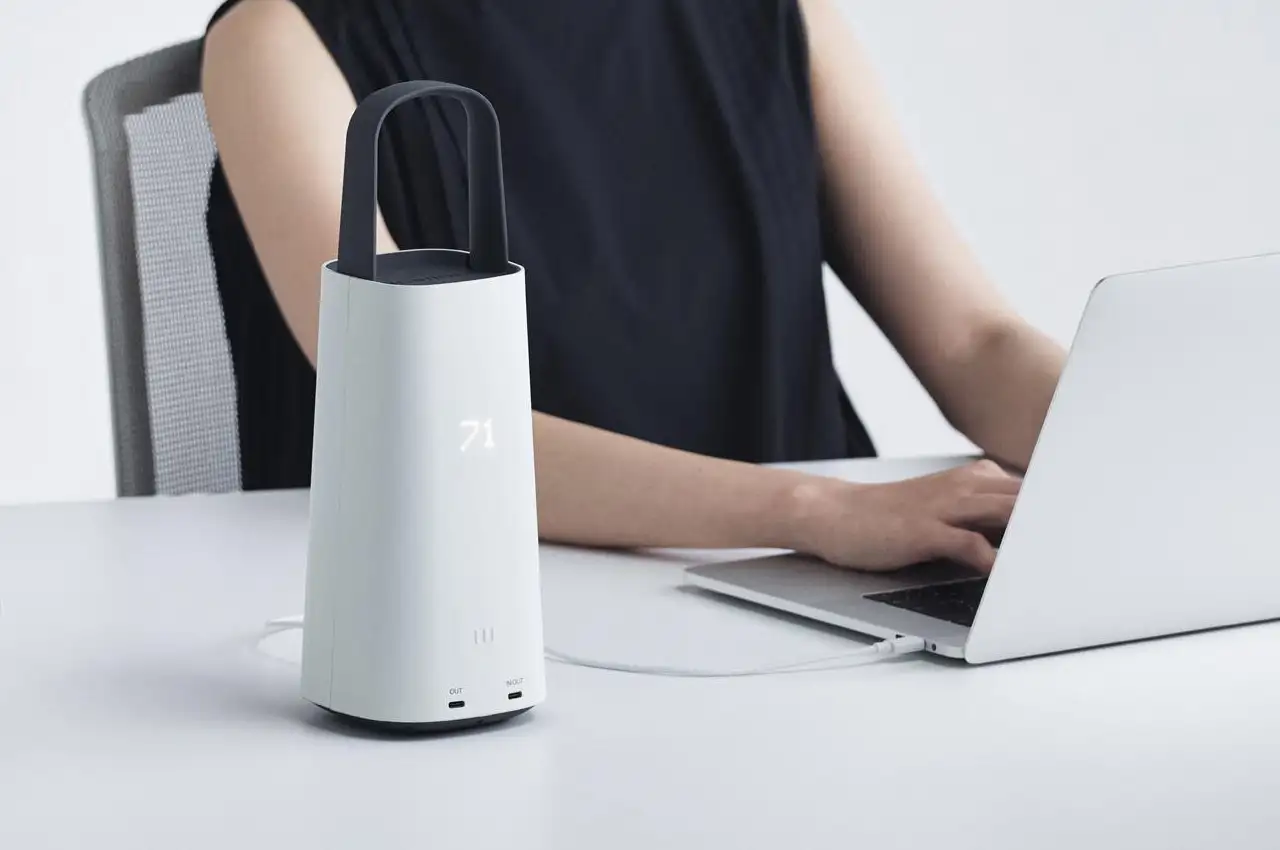










九号创新:作为工业设计师,AI 已成为提效刚需。以下按概念生成→3D 建模→渲染优化→工程落地全流程,精选国内直连、免费 / 少花钱的工业设计师AI工具,附具体用法与成本对比,帮你快速上手。
一、概念生成阶段(免费为主)
1. Stable Diffusion(本地部署)
- 核心优势:完全开源免费,无次数限制,工业设计模型丰富
- 国内可用性:本地部署,无需翻墙,隐私数据不泄露
- 工业设计适配:
- 安装工业设计专用 LoRA(如Industrial Design、Product Design)
- 提示词模板:
product design, industrial design, minimalist, matte finish, studio lighting, high detail, 8k
- 部署方法:
- 下载秋叶整合包(小白首选)一键安装
- 配置要求:NVIDIA 显卡(4GB + 显存),Windows 系统
- 推荐模型:SDXL 1.0 + 工业设计 LoRA
2. 即梦设计(剪映旗下)
- 核心优势:国产免费,专注产品设计,草图转效果图能力强
- 国内可用性:直连官网,无需翻墙,个人版免费
- 特色功能:
- 支持上传手绘草图生成工业级渲染图
- 内置多种工业设计风格(极简、复古、科技风)
- 局部重绘功能,精准修改设计细节
- 使用成本:个人版每日免费生成次数充足,高级功能付费
3. 堆友(阿里设计旗下)
- 核心优势:免费商用,海量 3D 素材,AI 辅助创意生成
- 国内可用性:阿里云服务器,稳定直连
- 工业设计价值:
- 提供产品设计灵感库,支持 AI 生成情绪板
- 3D 模型可直接用于前期概念展示
- 支持设计方案对比与管理
二、3D 建模阶段(免费 + 低成本)
1. Blender AI 插件(开源免费)
- 核心优势:全球顶级开源 3D 软件,AI 插件生态丰富,完全免费
- 国内可用性:本地安装,无需翻墙
- 工业设计插件推荐:
- DreamTextures:AI 生成纹理材质,支持工业材料(金属、塑料、木材)
- BlenderGPT:自然语言控制建模,如 “生成一个直径 10cm 的简约水杯模型”
- AI-Rigging:自动绑定模型,适合产品动画展示
- 使用成本:0 元,仅需显卡算力
2. 豆包 3D 建模(字节跳动)
- 核心优势:中文界面,操作简单,无次数限制,基础功能免费
- 国内可用性:直连豆包 APP,无需翻墙
- 特色功能:
- 文字生成 3D 模型,适合快速概念建模
- 支持模型二次修改,导出 OBJ/FBX 格式
- 可直接用于 3D 打印(简单模型)
- 使用成本:高清导出付费,基础展示免费
3. 皇冠 CAD(国产云端 CAD)
- 核心优势:AI 加持,零门槛,支持自然语言转 3D 模型
- 国内可用性:云端平台,直连访问
- 工业设计亮点:
- 输入产品描述(如 “工业控制面板,含显示屏、按钮、指示灯”)一键生成可编辑模型
- 自动优化模型拓扑,适合机械零件设计
- 支持 STEP/STL 等工业常用格式导出
- 使用成本:个人版基础功能免费,高级功能付费
三、渲染与优化阶段(免费 + 高性价比)
1. Vizcom(AI 草图转 3D 渲染)
- 核心优势:专注工业设计,手绘转 3D 渲染效果逼真
- 国内可用性:直连官网,无需翻墙,个人版免费
- 特色功能:
- 支持手绘草图→3D 模型→渲染图全流程
- 自动生成产品三视图,适合设计评审
- 可调整材质、光影、背景,快速生成提案级效果图
- 使用成本:个人版每日免费额度,付费版按月订阅(约 50 元 / 月)
2. 麦艺画板(瑞云科技)
- 核心优势:专注汽车造型设计,符合工业布线标准
- 国内可用性:国产平台,稳定直连
- 工业设计价值:
- 输入线稿 60 秒生成四边面模型,适配主流 CAD 软件
- 智能评审系统,基于虚幻引擎实时渲染
- 支持汽车、家电等复杂产品设计
- 使用成本:免费试用,企业版付费,个人设计师有优惠
3. Stable Diffusion + ControlNet(参数控制)
- 核心优势:精确控制产品比例、结构,避免 AI 生成的不合理设计
- 国内可用性:本地部署,无需翻墙,完全免费
- 工业设计应用:
- 使用Canny 边缘检测控制产品轮廓
- 用Depth 深度图确保产品立体感
- 结合OpenPose控制产品展示角度
- 使用方法:在 Stable Diffusion WebUI 中安装 ControlNet 插件,加载对应模型
四、工程落地阶段(免费 + 低成本专业工具)
1. Autodesk Fusion 360(生成式设计)
- 核心优势:工业级 CAD/CAM/CAE 一体化,生成式设计功能强大
- 国内可用性:直连官网,无需翻墙
- 免费政策:
- 个人 / 业余爱好者:非商用用途 1 年免费
- 学生 / 教育机构:完全免费
- 工业设计亮点:
- 生成式设计:输入材料、负载、制造工艺,AI 自动生成优化方案
- 拓扑优化:减轻重量同时保持强度,适合轻量化设计
- 与 3D 打印无缝衔接,支持直接导出打印文件
2. FreeCAD + AI 插件(开源免费)
- 核心优势:开源 CAD 软件,支持参数化设计,AI 插件扩展功能
- 国内可用性:本地安装,无需翻墙
- 工业设计适配:
- 安装FreeCAD AI插件,支持自然语言控制建模
- 适合机械零件、产品结构设计,完全兼容工业标准
- 使用成本:0 元,适合预算有限的个人设计师
五、综合推荐方案(按预算分类)
| 预算 | 推荐组合 | 适用场景 | 总成本 |
|---|---|---|---|
| 零预算 | Stable Diffusion(本地)+ Blender AI + FreeCAD | 概念设计→3D 建模→工程落地全流程 | 0 元 |
| 低预算 | 即梦设计 + 豆包 3D + Fusion 360 个人版 | 快速概念迭代 + 产品展示 + 基础工程设计 | 0-50 元 / 月 |
| 中预算 | Vizcom + 麦艺画板 + Fusion 360 商业版 | 专业产品设计 + 汽车 / 家电等复杂设计 | 100-300 元 / 月 |
六、实用技巧与避坑指南
- 提示词优化:工业设计专用关键词
- 材质:
matte plastic, brushed aluminum, anodized finish - 风格:
minimalist design, techwear, Scandinavian design - 效果:
studio lighting, soft shadows, product photography
- 材质:
- 模型选择:优先使用工业设计专用 LoRA / 模型,避免生成不合理结构
- 推荐模型:SDXL 1.0、Industrial Design Diffusion、Product Studio
- 版权注意:免费工具生成内容商用前,务必查看平台版权协议
- 堆友、Stable Diffusion 等开源工具通常支持商用(需标注 AI 生成)
- 硬件加速:本地部署时,优先使用 NVIDIA 显卡(4GB + 显存),可大幅提升生成速度
总结
AI 不是替代工业设计师,而是效率倍增器。从概念发散到工程落地,以上工具覆盖全流程,且均满足免费 / 低成本、无需翻墙的要求。建议先从 Stable Diffusion(本地部署)+ Blender AI 组合入手,这是当前最成熟的零成本方案,熟练后再根据需求添加专业工具。




A Comprehensive Guide to AI Tools for Industrial Designers
NINEIDEA: As an industrial designer, AI has become a rigid demand for efficiency improvement. Following the full process from concept generation, 3D modeling, rendering optimization, to engineering implementation, we carefully select domestic direct-connection, free/low-cost industrial designer AI tools, accompanied by specific usage and cost comparisons, to help you get started quickly.
- Concept generation stage (mainly free of charge)
- Stable Diffusion (Local Deployment)
Core advantages: completely open-source and free, no limit on usage frequency, rich industrial design models
Domestic availability: Locally deployed, no need to circumvent the Great Firewall, no leakage of private data
Industrial design adaptation:
Install LoRA specifically designed for industrial design (such as Industrial Design, Product Design)
Prompt word template: product design, industrial design, minimalist, matte finish, studio lighting, high detail, 8k
Deployment method:
Download the Autumn Leaves Integration Pack (ideal for beginners) and enjoy one-click installation
Configuration requirements: NVIDIA graphics card (4GB + VRAM), Windows operating system
Recommended model: SDXL 1.0 + Industrial design LoRA
- Dream Design (under Jianying)
Core Advantages: Domestic and free, dedicated to product design, strong ability to transform sketches into renderings
Domestic availability: Direct connection to the official website, no need to bypass the Great Firewall, personal version is free
Special features:
Support uploading hand-drawn sketches to generate industrial-grade renderings
Built-in multiple industrial design styles (minimalist, retro, tech-inspired)
Local redrawing function, precisely modifying design details
Usage cost: The personal version offers sufficient free daily generation opportunities, with premium features requiring payment
- Duiyou (under Alibaba Design)
Core advantages: Free for commercial use, vast 3D material library, AI-assisted creative generation
Domestic availability: Alibaba Cloud servers, stable direct connection
Industrial design value:
Provide a product design inspiration library and support AI-generated mood boards
The 3D model can be directly used for early concept demonstration
Support design scheme comparison and management
II. 3D Modeling Stage (Free + Low Cost)
- Blender AI plugin (open-source and free)
Core Advantages: World-class open-source 3D software, rich AI plugin ecosystem, and completely free of charge
Domestic availability: Local installation, no need to bypass the Great Firewall
Industrial design plugin recommendation:
DreamTextures: AI-generated texture materials, supporting industrial materials (metal, plastic, wood)
BlenderGPT: Natural language control modeling, such as “Generate a minimalist water cup model with a diameter of 10cm”
AI-Rigging: Automatically rig models, suitable for product animation display
Usage cost: 0 yuan, only requires GPU computing power
- Doubao 3D Modeling (ByteDance)
Core advantages: Chinese interface, easy operation, no limit on usage, and basic functions are free of charge
Domestic availability: Direct connection to Doubao APP, no need to go through a VPN
Special features:
Text-to-3D model, suitable for rapid concept modeling
Support secondary modification of models and export in OBJ/FBX formats
Can be directly used for 3D printing (simple models)
Usage cost: HD export is paid, basic display is free
- Crown CAD (domestic cloud-based CAD)
Core Advantages: AI-enhanced, zero threshold, supports natural language to 3D model conversion
Domestic availability: cloud platform, direct access
Highlights of industrial design:
Input product description (e.g. “Industrial control panel, including display screen, buttons, indicator lights”) to generate an editable model with one click
Automatically optimize model topology, suitable for mechanical part design
Supports exporting in commonly used industrial formats such as STEP/STL
Usage cost: Basic functions of the personal version are free, while advanced functions require payment
III. Rendering and Optimization Stage (Free + High Cost-Effective)
- Vizcom (AI sketch to 3D rendering)
Core Advantages: Specialized in industrial design, with realistic 3D rendering effects from hand-drawn sketches
Domestic availability: Direct connection to the official website, no need to go through a VPN, personal version is free
Special features:
Support the full process from hand-drawn sketch to 3D model to rendered image
Automatically generate product three-view drawings, suitable for design review
Adjustable material, lighting, and background, quickly generate proposal-level effect images
Usage cost: Free daily quota for personal version, monthly subscription for paid version (approximately 50 yuan/month)
- Maiyi Drawing Board (Ruiyun Technology)
Core Advantages: Specialized in automotive styling design, compliant with industrial wiring standards
Domestic availability: Domestic platform, stable direct connection
Value of industrial design:
Input line drawing, generate a quadrilateral mesh model in 60 seconds, compatible with mainstream CAD software
Intelligent review system, based on Unreal Engine real-time rendering
Support the design of complex products such as automobiles and home appliances
Usage cost: Free trial, paid for enterprise version, and discounted for individual designers
- Stable Diffusion + ControlNet (parameter control)
Core advantage: Precise control over product proportions and structure, avoiding unreasonable designs generated by AI
Domestic availability: Locally deployed, no need to circumvent the Great Firewall, completely free of charge
Industrial design application:
Use Canny edge detection to control the product contour
Use Depth map to ensure the three-dimensional effect of the product
Combine OpenPose to control the display angle of the product
Usage: Install the ControlNet plugin in Stable Diffusion WebUI and load the corresponding model
IV. Project implementation stage (free + low-cost professional tools)
- Autodesk Fusion 360 (Generative Design)
Core Advantages: Industrial-grade integration of CAD/CAM/CAE, with powerful generative design capabilities
Domestic availability: Direct connection to the official website, no need to circumvent the Great Firewall
Free policy:
- Individuals / Amateurs: Free for 1 year for non-commercial use
- Students / Educational institutions: Completely free of charge
Highlights of industrial design:
- Generative design: Input materials, loads, and manufacturing processes, and AI automatically generates optimized solutions
- Topology optimization: Reducing weight while maintaining strength, suitable for lightweight design
Seamlessly integrate with 3D printing, supporting direct export of print files
- FreeCAD + AI plugin (open-source and free)
Core Advantages: Open-source CAD software, support for parametric design, AI plugin extensions
Domestic availability: Local installation, no need to bypass the Great Firewall
Industrial design adaptation:
Install the FreeCAD AI plugin to support natural language-controlled modeling
Suitable for mechanical parts and product structure design, fully compatible with industrial standards
Usage cost: 0 yuan, suitable for individual designers with limited budgets
V. Comprehensive Recommendation Plan (Classified by Budget)
| Budget | Recommended combination | Applicable scenarios | Total cost |
|---|---|---|---|
| Zero budget | Stable Diffusion (local) + Blender AI + FreeCAD | Conceptual design → 3D modeling → full process of engineering implementation | 0 yuan |
| Low budget | Dream Design + Doubao 3D + Fusion 360 Personal Edition | Rapid concept iteration + product demonstration + basic engineering design | 0-50 yuan / month |
| Medium budget | Vizcom + MaYi Drawing Board + Fusion 360 Business Edition | Professional product design + complex designs for automobiles, home appliances, etc | 100-300 yuan/month |
VI. Practical Tips and Trap Avoidance Guidelines
Prompt word optimization: Industrial design-specific keywords
- Material: matte plastic, brushed aluminum, anodized finish
- Style: minimalist design, techwear, Scandinavian design
- Effect: studio lighting, soft shadows, product photography
Model selection: Prioritize the use of LoRA/models specifically designed for industrial design to avoid generating unreasonable structures
- Recommended models: SDXL 1.0, Industrial Design Diffusion, Product Studio
Copyright notice: Before using content generated by free tools for commercial purposes, be sure to review the platform’s copyright agreement
- Open-source tools such as Duiyou and Stable Diffusion usually support commercial use (with AI generation being labeled)
Hardware acceleration: When deploying locally, priority should be given to using NVIDIA graphics cards (4GB + VRAM), which can significantly enhance the generation speed
summary
AI is not a substitute for industrial designers, but rather an efficiency multiplier. From concept divergence to engineering implementation, the aforementioned tools cover the entire process and all meet the requirements of being free/low-cost and not requiring VPN access. It is recommended to start with the combination of Stable Diffusion (locally deployed) + Blender AI, which is currently the most mature zero-cost solution. Once proficient, professional tools can be added according to specific needs.